
LoanerTrak administrator level access is required to perform the following steps.

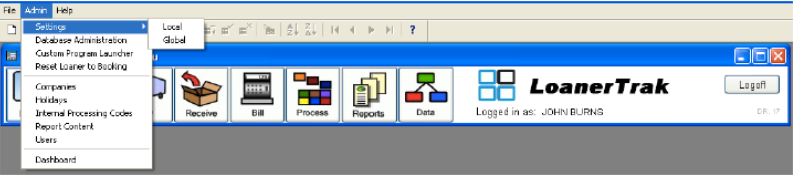
1. From the main drop-down menu select Settings > Global.
2. Click the License tab and enter the new license key.

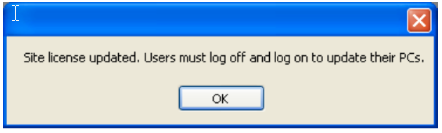
3. Close the settings form. The following message appears. Press OK and re-launch LoanerTrak.
4. Days remaining changes to new number.

Site License update is complete.